Your logo on every set of nails. In a second.
Finished a gel set and took 6 photos? Add your logo to all of them at once, without editing each photo on its own.
Free to try, with no sign-up and no card. Nothing to install.
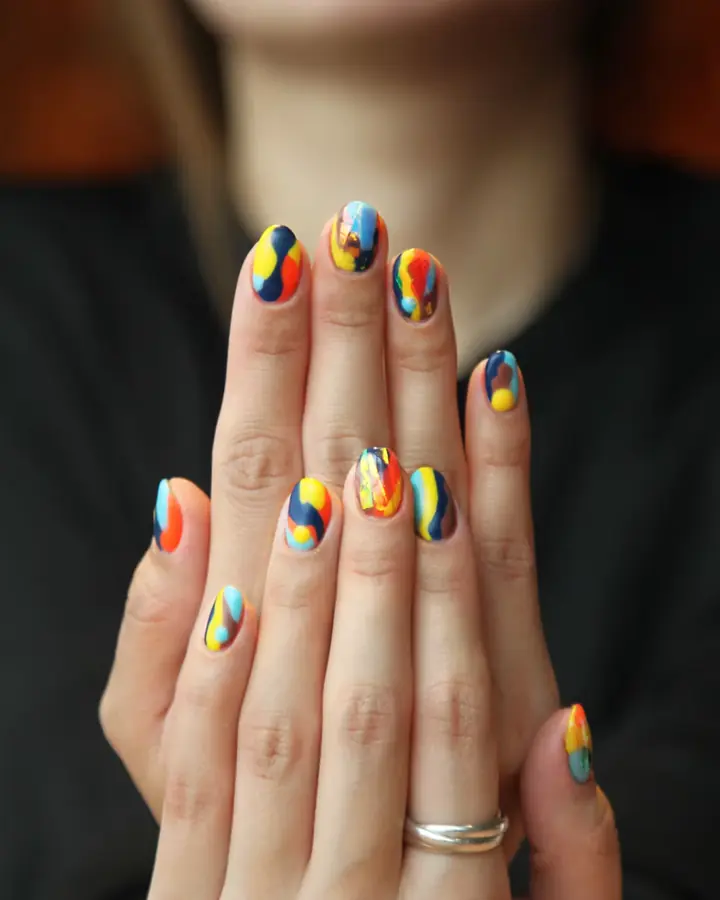 Your work stays clear
Every set from today, in one go
- Pick a few photos at once
- The logo lands on each one, away from the nails
- Save or share them all together
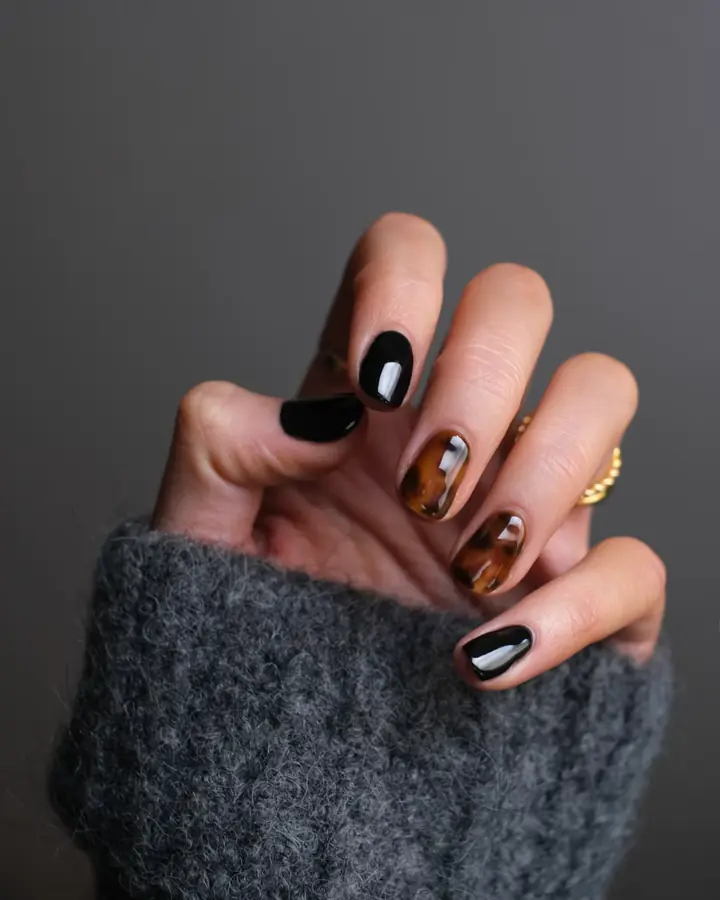
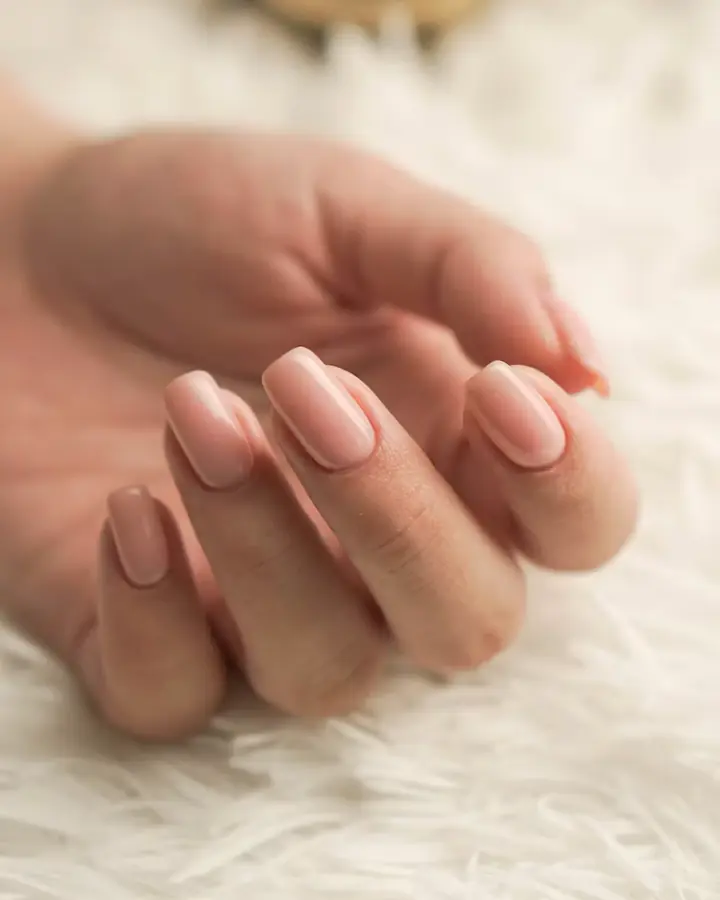
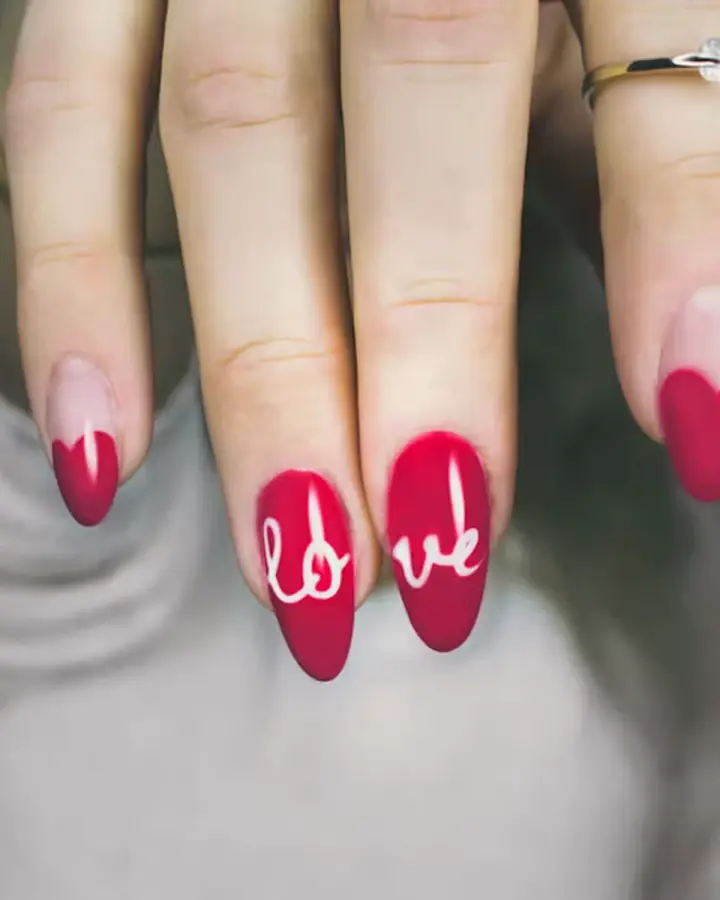
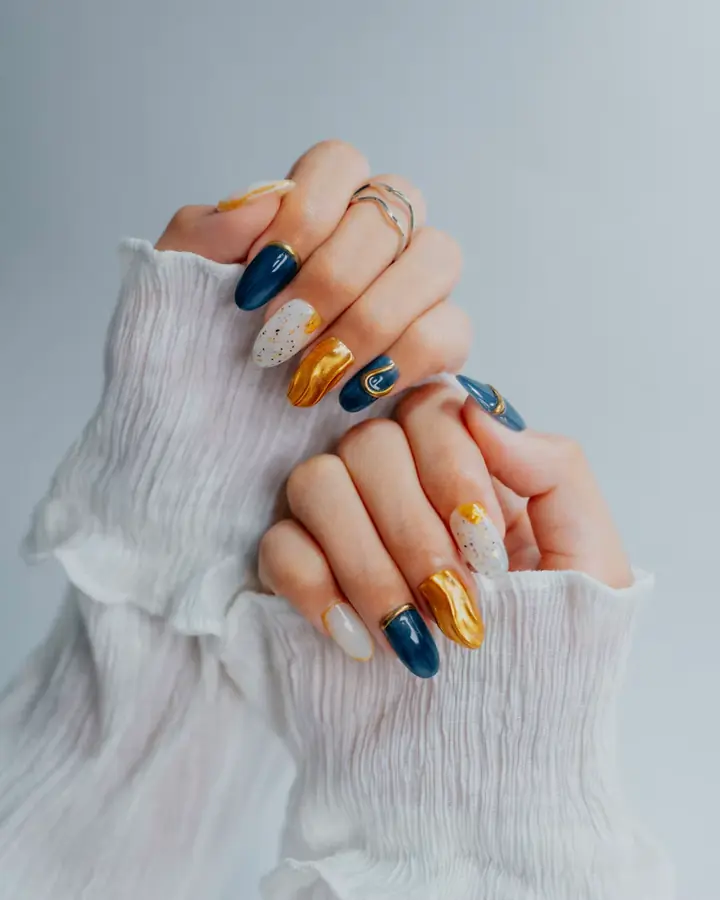
+and the rest of your set
The nails stay clear
Your mark goes beside the hands, not on the work you're showing.
Today's clients at once
Add every set you did today, check them, and save them all together.
Straight to Instagram
Share to Instagram and more, right from your phone.
Questions
- Does Logoli change my photo?
- No. It adds only your logo or @handle and saves the photo at Instagram's size. You can crop, zoom or straighten it yourself, and nothing else is changed.
- Can I use my @handle instead of a logo?
- Yes. Type your @handle or business name, or upload your logo as a picture.
- Can I do a whole set at once?
- Yes. Add up to 20 photos at once, check the few it flags, and save or share them all together.
- Does it work on iPhone?
- Yes. Open it in Safari or Chrome on your phone. There's nothing to install.
- Who can see my photos?
- Only you. Your photos stay on your phone or computer. If you sign in, anything stored for you is in your own private folder.
- How long are my photos kept?
- 30 days, then they are deleted. Your logo and saved designs stay until you delete them.
- Is it free?
- Yes, it's free to try, with no sign-up and no card.
Your next set, with your logo on it.
Try it on your own photosFree to try, with no sign-up and no card. Nothing to install.